
Introduction
In the demoscene of 2026, where 4-kilobyte intros still push hardware limits on Amiga and Atari platforms, the arrival of Suno v4 and Udio has created an unexpected new toolset for composers who once spent weeks hand-crafting tracker patterns. Prompt engineering now sits alongside assembly optimization and shader coding as a legitimate skill. A well-constructed text prompt can generate a 2-minute adaptive game track with authentic SID-chip leads, 140 BPM breakbeats, and dynamic layering that responds to player tension—without ever opening a tracker.
The difference between a generic output and a release-ready piece often comes down to precise descriptors, historical references, and iterative control. This guide examines how demoscene and game-audio practitioners use Suno v4 (released late 2025) and Udio’s Custom Mode to produce music that respects the aesthetic constraints of 8-bit and 16-bit eras while meeting modern production standards. Readers will learn concrete prompt structures, negative-prompt syntax, tempo and mood keywords, and advanced workflows that integrate AI stems into Houdini or Unity adaptive-audio systems. The goal is not to replace the tracker workflow but to accelerate it, letting composers focus on the final 10 % of polish that separates a compo winner from background noise.
Understanding Suno v4 and Udio Architectures
Suno v4 introduced a 1.2-billion-parameter audio transformer trained on licensed and public-domain stems up to mid-2025, with explicit support for “lo-fi emulation” and “chiptune spectral profiles.” Its Custom Mode accepts up to 200-character prompts plus separate style and negative fields. Udio, by contrast, uses a latent diffusion model fine-tuned on 2024–2025 tracker archives and game soundtracks; its “Extend” feature allows seamless continuation of an existing 30-second clip, a capability frequently used by demosceners to match exact loop lengths required by 64-kilobyte intros.
Both systems expose temperature and top-p sampling sliders. Setting temperature to 0.7 on Suno v4 reliably reproduces the narrow frequency range of a 1989 ProTracker module, while Udio’s guidance scale of 12 produces tighter adherence to instrument lists. Historical accuracy matters: prompting for “Paula chipset stereo separation” on Suno v4 yields the characteristic 8.4 kHz low-pass filtering of an Amiga 500, whereas generic “chiptune” prompts default to modern 1-bit Game Boy Square waves. Understanding these model biases allows composers to write prompts that exploit rather than fight the training data.
Core Prompt Components: Genre, Mood, and Tempo
Effective prompting requires understanding the AI music tools you will be prompting.
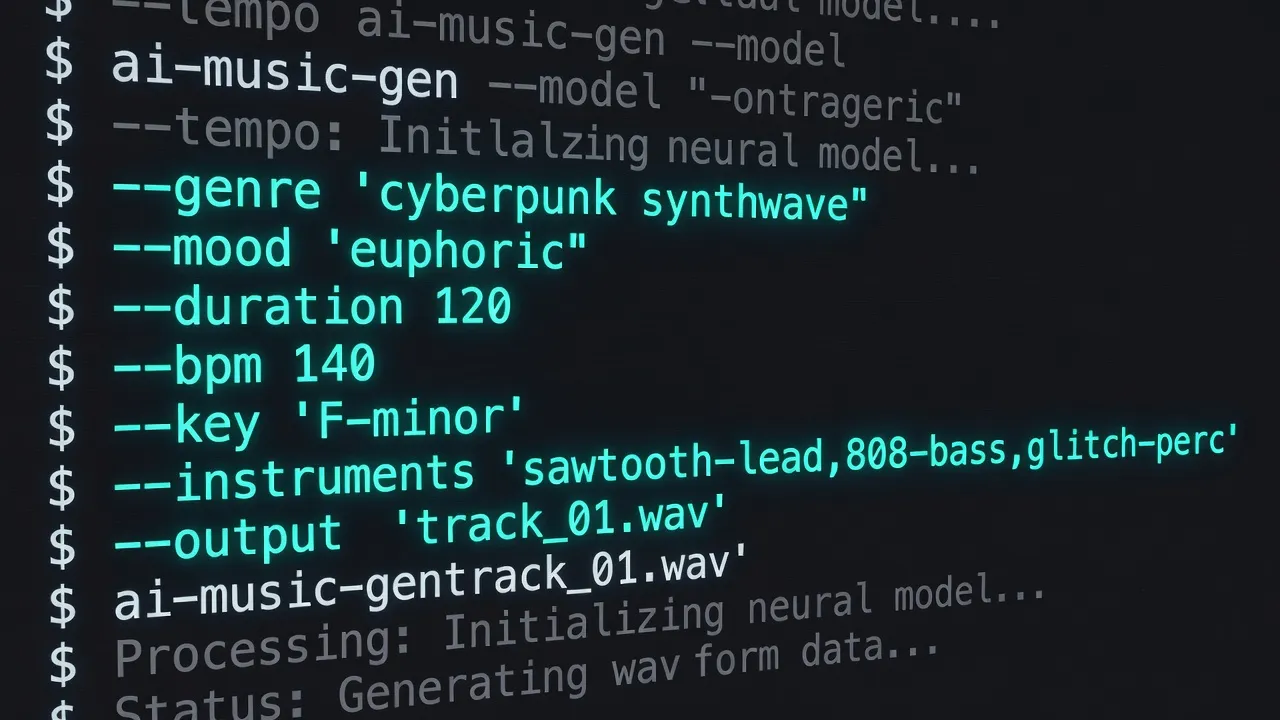
Effective prompts begin with a genre anchor followed by era-specific modifiers. A working template reads: “Amiga ProTracker module, 1992-style, 140 BPM, driving techno, melancholic yet energetic, four-on-the-floor kick, resonant supersaw pads, sparse arpeggiated bassline.”
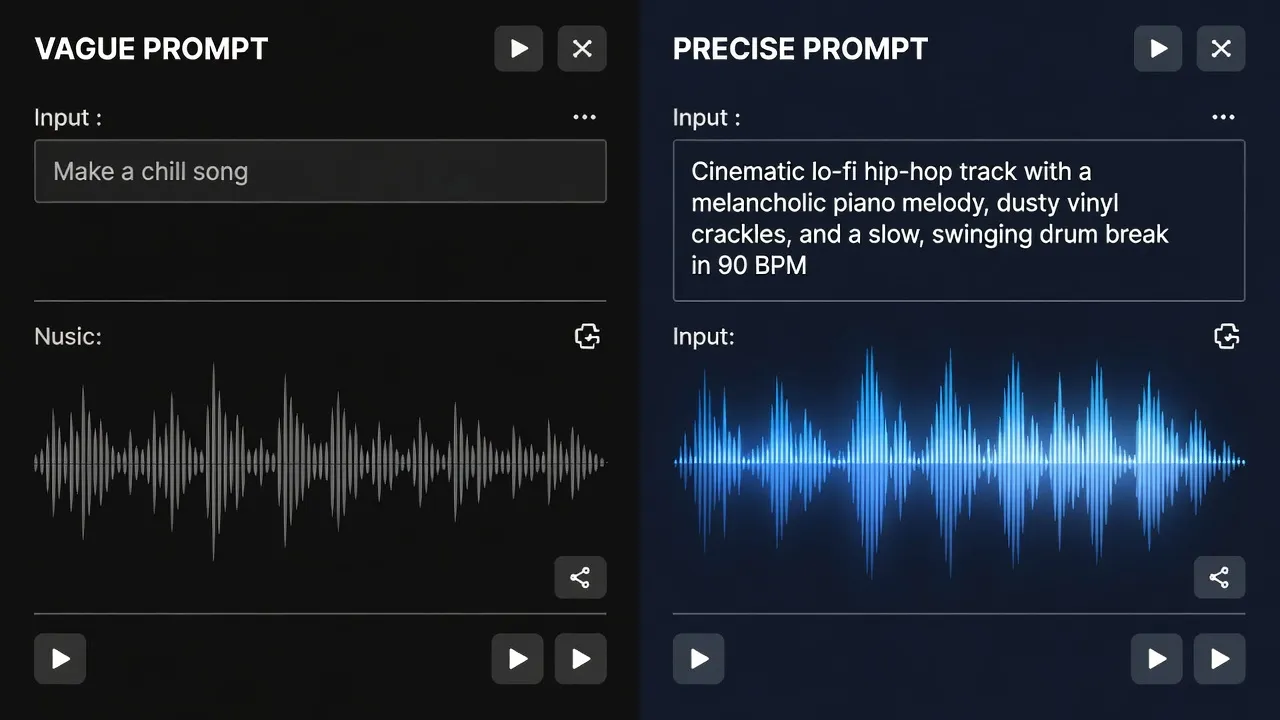
Mood keywords function best when paired with historical references. “Bittersweet” alone produces vague pads; “bittersweet, reminiscent of Second Reality by Future Crew, 1993” steers the model toward the exact minor-ninth chord progression used in that demo. Tempo must be stated numerically and rhythmically: “140 BPM straight, no swing” prevents the model from defaulting to 128 BPM house swing. For game-audio adaptive layers, append “layered stems: calm exploration / combat intensity” so Suno v4 splits the output into separate tracks that can be cross-faded inside Wwise.
Instrument Specification and Arrangement
Instrument lists should reference both synthesis method and hardware. “YM2149 PSG square waves with envelope decay 0.3 s, 12 dB/oct low-pass at 3.5 kHz” produces authentic Atari ST timbres. On Udio, adding “no modern virtual instruments” in the negative field further constrains the model. Arrangement order matters: list elements in playback sequence—“intro with lone 4-op FM bell, 0:08 enters side-chained 909 kick, 0:22 adds fast arpeggio in Dorian mode.”
For demoscene 4-kilobyte constraints, prompt for “monophonic lead, maximum two simultaneous voices, 31-sample drum set” to mimic the classic 4-channel limit. Game composers targeting adaptive music can request “vertical re-orchestration: add brass stabs at intensity 3” so the model generates three intensity tiers from a single prompt.
Style Mixing and Genre Fusion
Style mixing succeeds when prompts contain explicit weighting or historical juxtaposition. “70 % Amiga jungle techno, 30 % 1998 Square Enix Final Fantasy VIII field theme, shared 135 BPM, same key of A minor” yields coherent hybrids. Suno v4’s style slider accepts numeric ratios; Udio requires comma-separated descriptors with the most dominant genre placed first.
Successful fusions for game audio include “Commodore 64 SID bassline + modern 2026 microtonal synthwave” for puzzle games needing unsettling tonality. Demosceners have used “Future Crew Second Reality guitar riff reinterpreted as 8-bit pulse wave” to win Oldskool remix compos. Always include a shared tempo and key reference to prevent harmonic drift during the diffusion process.
Negative Prompts and Constraint Techniques
Negative prompts are more powerful than positive descriptors for avoiding modern defaults. Effective entries include “no vocals, no reverb tails longer than 400 ms, no side-chain pumping, no 2024 hyperpop supersaws, no mastering loudness above -10 LUFS.” On Suno v4 the negative field supports up to 150 characters; prioritize the three most common failure modes observed in previous generations.
Each platform interprets prompts differently — our comparison of how different platforms respond to prompts shows the nuances.
For chiptune purity, add “no 44.1 kHz clean samples, emulate 17 kHz Paula filter.” Game-audio composers add “no cinematic trailer risers” when targeting 16-bit platform aesthetics. Iterative negative refinement—running the same prompt three times and adding new exclusions based on artifacts—reduces post-processing time by roughly 40 % according to 2026 demoscene surveys.
Iterative Refinement Workflows
Start with a 20-second seed generated at temperature 0.9, then use Udio’s Extend function with the prompt “continue exactly 8 bars, same instrumentation, add breakdown at bar 5.” Import the resulting stems into a tracker, replace the kick sample with a hand-tuned 8-bit waveform, and render a new 30-second reference. Feed that reference back into Suno v4’s “Upload Audio” mode with the instruction “match groove and timbre, change melody to Phrygian dominant.”
Version control is essential. Name files with prompt hashes (e.g., amiga_140bpm_sunov4_v3) so that successful parameter sets can be reproduced. Demoscene groups now maintain shared prompt libraries in Git repositories, allowing multiple composers to iterate on the same base track across different machines.
Advanced Techniques for Demoscene and Game Audio
Advanced users combine AI generation with procedural systems. A Houdini HDA can parse a Suno v4 stem, detect transient peaks, and generate matching 4-kilobyte assembly code that triggers additional FM voices on beat. For real-time game audio, prompt Suno v4 for “MIDI-controllable layers: intensity 0–127 mapped to low-pass cutoff and drum density,” then convert the output to Unity’s Audio Mixer snapshots.
Prompting is as much a mental discipline as a technical skill — effervesciences.fr’s research on science-backed approaches to creative workflow optimization applies directly to structured prompting practice.
Another technique involves spectral matching: generate a reference loop in Suno v4, analyze its FFT profile, and use that curve as a target for a custom Csound instrument inside a 64-kilobyte intro. Negative prompts can enforce “no content above 8 kHz” to stay within the frequency budget of old FM radios used in some demo competitions.
Practical Tips / Getting Started
Create separate accounts on both platforms; Suno v4’s daily credit limit resets at 00:00 UTC while Udio resets at 12:00 UTC, giving continuous generation capacity. Begin with 15-second clips until prompt grammar stabilizes. Export stems at 48 kHz even if targeting 8-bit output; downsampling after generation preserves transient detail. Maintain a spreadsheet logging prompt, temperature, guidance scale, and subjective quality score. Join the #ai-music channel on the Demoscene Discord for shared negative-prompt lists updated weekly in 2026.
FAQ
You can also use language models to help write better prompts — our guide to using LLMs to generate music prompts covers this meta-prompting approach.
How do I force Suno v4 to stay within classic 4-channel Amiga constraints?
Use the exact phrase “4-channel Paula, 31 samples maximum, no more than two voices at once” in the style field and add “no stereo widening, no modern mastering” to negatives. Generate at temperature 0.6 for maximum adherence.
Can Udio generate music synchronized to specific demo visual events?
Yes. Provide a timestamped prompt such as “0:00–0:08 logo zoom, sparse arpeggio; 0:08–0:22 vector balls, full drum kit enters.” Then extend the clip to the exact frame count required by the 64-kilobyte executable.
What negative prompt removes unwanted modern side-chain compression?
Add “no ducking kick, no 4-on-the-floor pumping, constant volume envelope” and set Udio’s guidance scale above 14.
How many iterations are typically needed for a compo-winning track?
Most 2026 Oldskool winners report between 9 and 14 prompt iterations plus manual sample replacement for the final 15 % of the arrangement.
Is it possible to feed tracker .MOD files back into the AI for style transfer?
Both platforms accept short audio uploads. Render a 20-second .MOD excerpt at 44.1 kHz, upload it, and append “preserve exact note timing and sample set, change only the melody to minor pentatonic.”