
The demoscene in 2026 continues to thrive as a global creative underground where coders, musicians, and visual artists push hardware and software limits to produce audiovisual wonders, often under extreme size constraints like 4 kilobytes or less. Whether you are drawn by nostalgia for 1990s Amiga cracktros or by modern experiments blending procedural generation with AI-assisted composition, entering the scene requires patience, study, and a willingness to release imperfect work. This guide walks through the practical path from curiosity to your first release and beyond, emphasizing hands-on participation over passive consumption.
Finding Your Role: Coder, Musician, or Graphician?
Most newcomers discover they lean toward one primary discipline even if they eventually branch out. Coders focus on squeezing maximum effect from minimal code, whether writing real-time raymarchers in GLSL or optimizing 256-byte intros that fit inside a boot sector. Musicians compose within tracker environments that emulate the tight memory and channel limits of vintage hardware, creating looping patterns that sync precisely to visuals. Graphicians craft pixel art, 3D models, or generative textures that must survive compression and low-color palettes without losing impact.
Many veterans began as coders because the technical challenge feels immediate. Others enter through music after years of chiptune listening. Graphicians often come from pixel-art communities already familiar with 16-color restrictions. In 2026 it remains common for individuals to handle multiple roles in tiny groups, yet specialization accelerates progress. A coder who understands tracker workflows can better time effects to music, while a musician who studies shader techniques learns which visual elements reward extra CPU cycles. The scene rewards polymaths, but starting narrow prevents overwhelm.
Before picking up tools, make sure you understand what the demoscene is — its culture, values, and history.
Essential Tools for Each Discipline
Choosing accessible yet authentic tools lowers the barrier without sacrificing the constraints that define demoscene work. For coding, PICO-8 provides an immediate fantasy console running Lua, letting beginners produce 128-by-128 pixel intros or games that emulate 1980s hardware limits while exporting to real cartridges or web players. Shadertoy remains indispensable for learning GLSL fragment shaders; its live editor and community examples let coders prototype raymarching or metaballs in minutes before porting to size-optimized releases. Processing and openFrameworks offer higher-level creative coding environments ideal for first procedural visuals or interactive installations that later migrate to demoparty compo machines. When finalizing 64-kilobyte or 4-kilobyte intros, experienced coders turn to Crinkler, the legendary executable compressor that routinely shrinks Windows binaries by 70 percent or more through careful symbol ordering and transform coding.
Musicians gravitate toward trackers that preserve the workflow of classic hardware. OpenMPT delivers a modern Windows tracker supporting every major module format from MOD to XM, with excellent sample editing and plugin hosting for hybrid productions. LSDJ on actual Game Boy hardware or its emulated equivalents forces strict four-channel discipline and inspires the punchy basslines and arpeggios heard in countless recent chiptune releases. FamiTracker replicates the NES APU with precise duty-cycle and sweep control, producing the metallic leads and noise percussion that defined 8-bit soundtracks. For those wanting a gentler on-ramp before committing to tracker grids, LMMS provides a free DAW with built-in chiptune instruments and automation curves that translate easily into tracker patterns.
Graphicians rely on pixel-perfect editors and modeling suites. Grafx2 offers a lightweight interface mirroring Deluxe Paint, supporting indexed palettes up to 256 colors and animation timelines essential for logo and font work. Aseprite adds modern conveniences such as onion-skinning, tilemap export, and scripting while remaining fully compatible with demoscene color restrictions. Blender serves 3D graphicians who pre-render or real-time shade models for 64-kilobyte intros, exporting optimized meshes that fit within size budgets after Crinkler compression.
Where to Find the Demoscene Community
Once you have a first production, our guide to the competition formats you will enter explains how parties are organized and judged.
The social layer of the scene lives across a handful of long-standing platforms. Pouet.net functions as the central bulletin board where releases receive comments, screenshots, and download links; creating an account there is the first concrete step most newcomers take. Demozoo.org catalogs productions with detailed credits, party results, and links to scene.org archives, making it the definitive reference when studying historical works. Scene.org itself hosts the master FTP archive of thousands of demos spanning four decades.
Real-time discussion happens on Discord servers dedicated to specific platforms or general demoscene topics, while IRC channels on EFnet and other networks remain active for older members who prefer text-only environments. Many groups maintain private forums or Matrix rooms for collaboration. Practical entry involves studying old demos on these sites, registering a Pouet account to comment thoughtfully on recent releases, then reaching out to established groups whose style matches your interests. Remote submissions to parties allow participation without travel, and several groups actively recruit beginners willing to contribute small modules or effects.
Watching Demos: Building Your Eye and Taste
Developing taste requires deliberate viewing rather than random YouTube browsing. Begin with landmark productions such as Future Crew’s Second Reality from 1993 to understand how 3D objects, texture mapping, and tracker music synchronized under DOS memory limits. Move forward to 2000s classics like Conspiracy’s Agenda Circling Forth or RGBA’s elevated to witness the shift toward cinematic lighting and complex shaders. Contemporary viewing should include Revision and Assembly winners from the last five years, noting how 4-kilobyte intros now achieve volumetric effects once reserved for megabyte productions.
Demosceners rely on open tools — SoftAid’s roundup of the best free and open-source software lists many of the utilities newcomers install on day one.
Keep notes on specific techniques: how a production uses palette cycling for water, which tracker patterns create tension before a visual drop, or how a graphician reuses a handful of sprites across multiple scenes. Re-watch the same demo at different resolutions or on actual hardware when possible; many effects lose impact when viewed outside their native environment. Over time this study reveals recurring motifs and unspoken rules that separate competent releases from memorable ones.
Your First Production: Starting Small
Technical newcomers should also read our introduction to creative coding fundamentals to build the graphics and audio skills the scene demands.
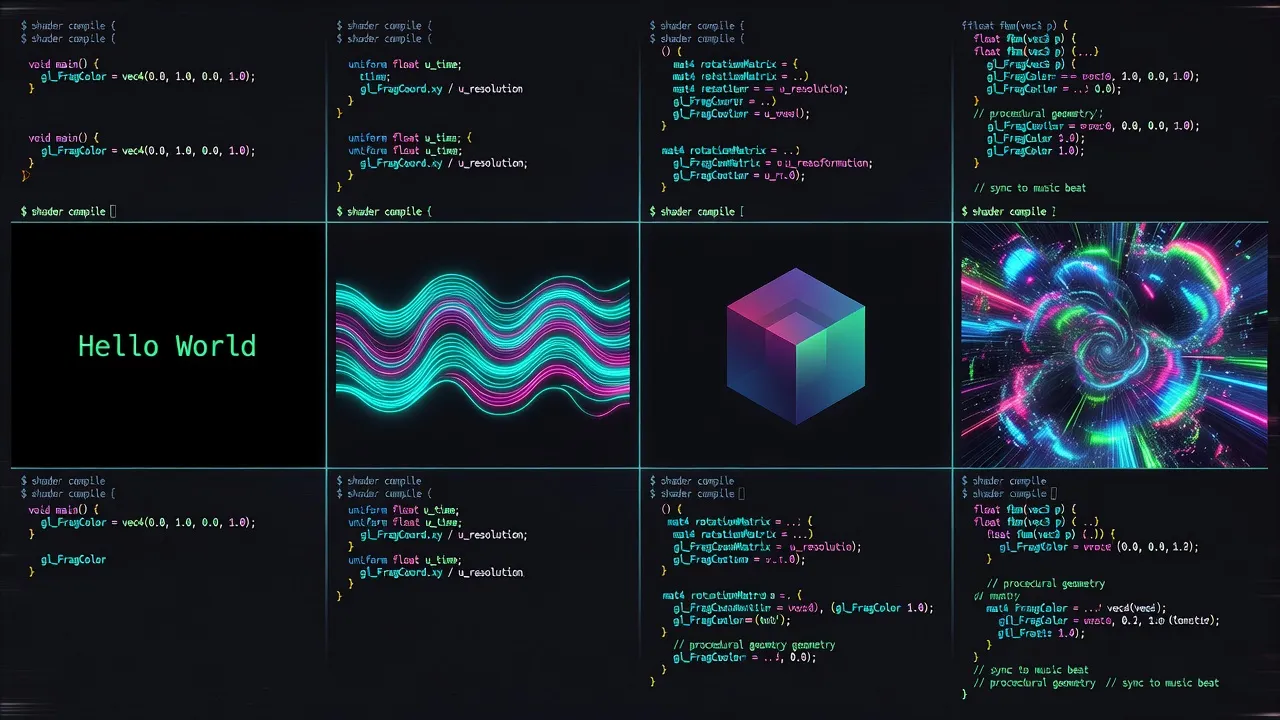
Your debut should target an achievable format such as a 4-kilobyte intro, a short music disk, or a single-screen pixel logo. Set a deadline aligned with a remote-compo party and commit to releasing even if the result feels unfinished. Begin by forking an existing open-source example from Shadertoy or a PICO-8 cart, then replace one element with original code, music, or graphics. Use OpenMPT to create a 30-second loop before attempting full synchronization.
Document every decision in comments or a text file; future collaborators will thank you. Once the piece runs, compress with Crinkler if targeting Windows and test on multiple machines. Upload the final archive to Pouet.net with proper credits and a short NFO describing tools and group affiliation. Even modest releases attract feedback that accelerates the next project.
Attending Your First Demoparty
Physical events transform online acquaintances into lasting friendships and provide the only true test of hardware compatibility. Major gatherings such as Revision in Saarbrücken, Assembly in Helsinki, or the North American party @Party offer seminars, live competitions, and 24-hour compos where newcomers can submit work on-site. Prepare by packing a modest PC or laptop, headphones, and a willingness to help with setup.
Arrive early to volunteer with the compo machine crew; this instantly connects you with organizers and veterans. Watch every competition entry, note what receives applause, and introduce yourself to at least one person from each discipline. Many lasting groups formed over late-night debugging sessions in the sleeping area. Remote participation remains valid, yet nothing replaces the energy of a hall full of CRTs and tracker music at 3 a.m.